We can help with that!
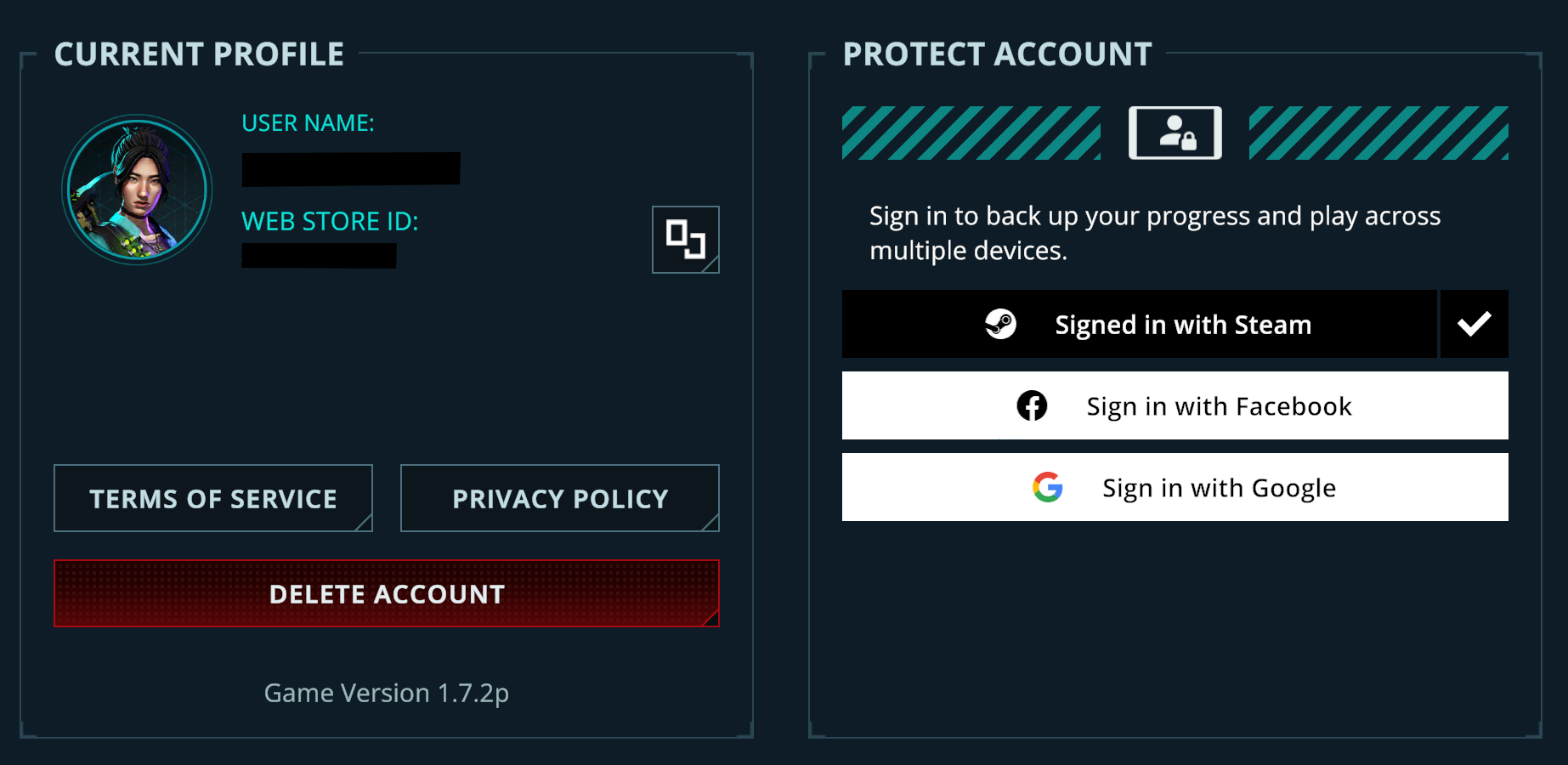
Please check whether you can recover your account using the linking services available via the in-game menu such as Facebook, Google, Steam, etc.
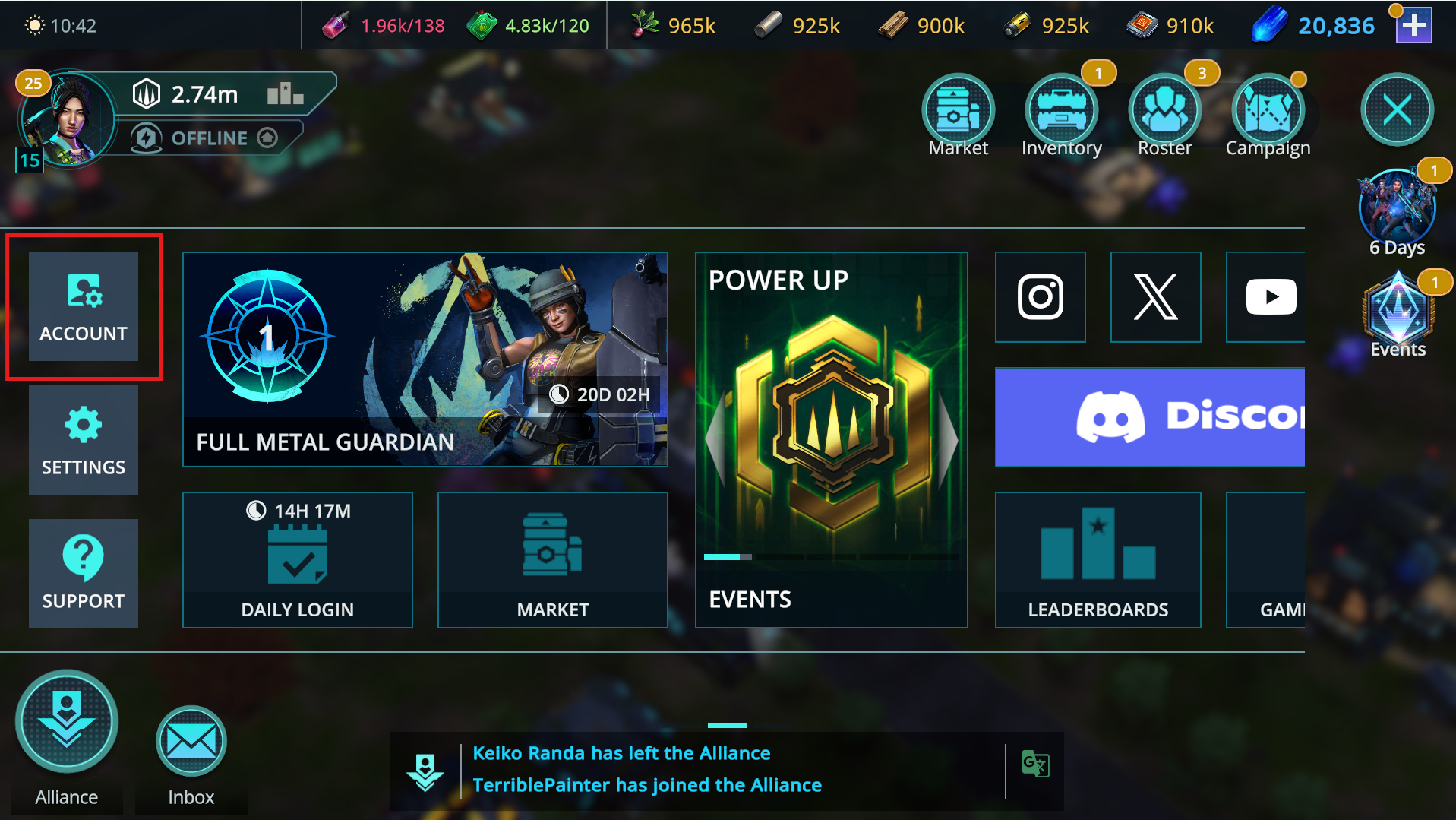
You can do this once you have completed the tutorial as a new player. Navigate to the Settings menu and click the "Link Account” button next to the service you wish to link your account to. The game should then allow you to select your lost account.
If this doesn't work, please contact the Hunted Cow Support team via the in-game menu or through the Web Portal. A guide to contacting us can be found here.
To help us recover your lost account quickly, please be sure to include all the following information in your ticket:
- The current player ID or username that you're seeing in-game *
- The username of the account you want recovered
- The date you last accessed your lost account (if you aren’t sure, just give us your closest estimate!)
- A screenshot of the receipt for the last purchase made on the lost account
After receiving this information, our Support Team will be in touch as soon as possible to help you get back into the game!
* If you're unsure of your account name or Player ID, you can find this by accessing the Account Settings in-game!