
Alliances are in-game 'teams' that allow you to join forces with other players for mutual benefits, such as gaining and claiming caches, capturing territory, and rallying together to send out extremely powerful deployments.
There are a variety of ways to join an alliance in Operation: New Earth...
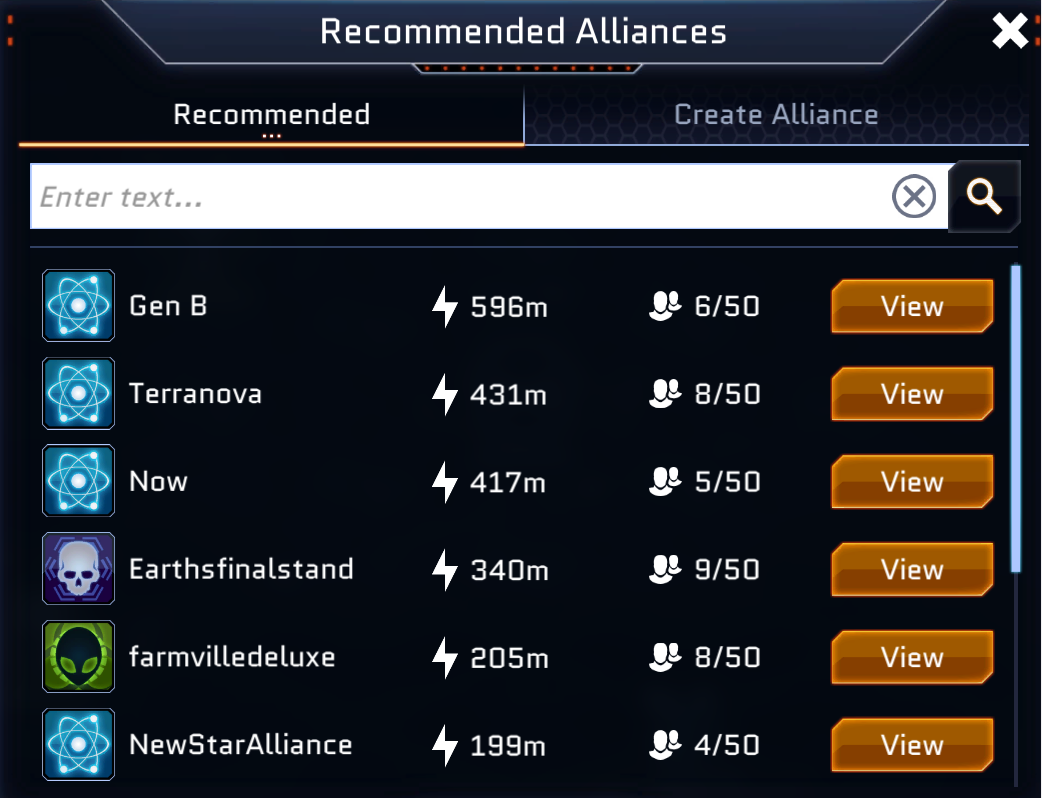
1. By clicking on the 'Alliances' tab at the bottom of the screen, then joining one of the alliances under the 'Recommended' tab:
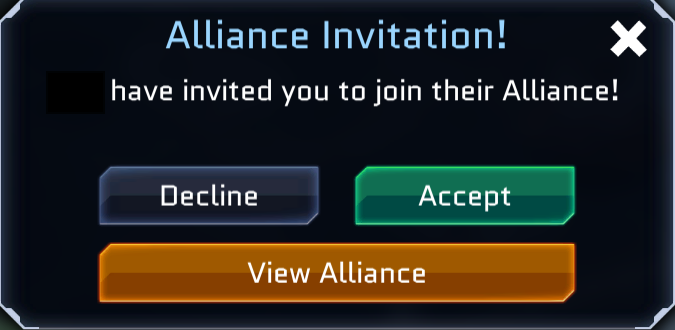
2. By being invited to an an invite-only alliance. You will receive a notification for this under the 'General' tab in the reports menu:

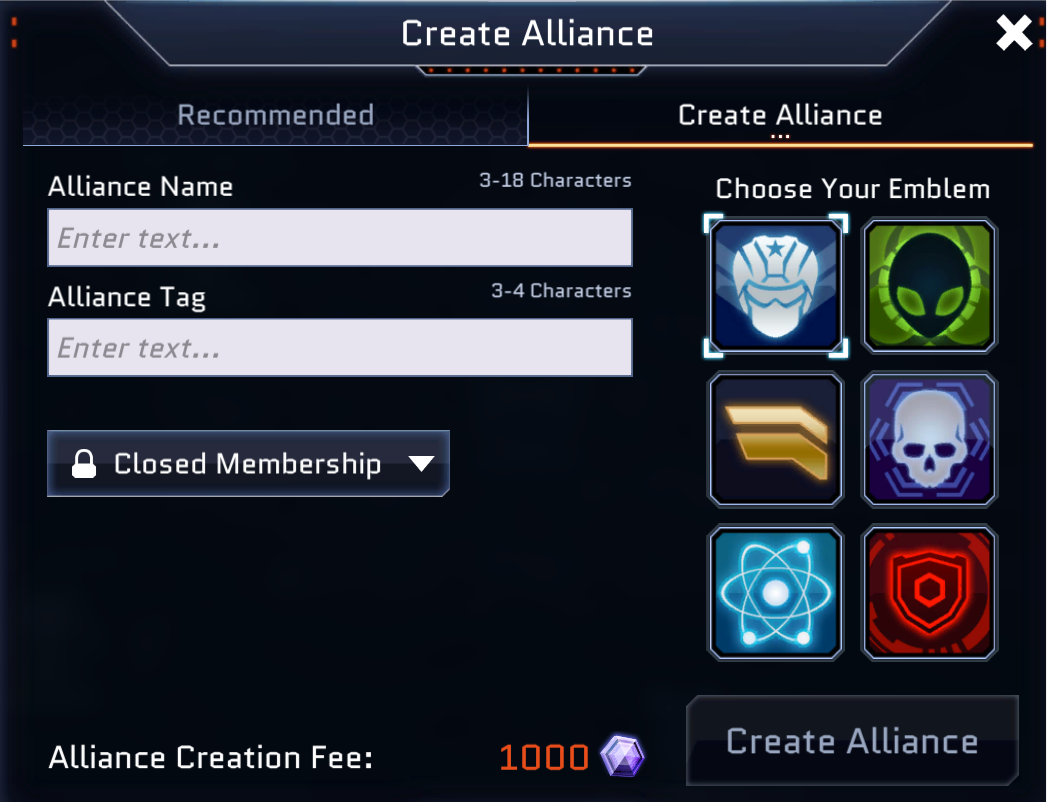
3. By creating your own alliance, which can be done through clicking on the 'Alliances' menu and going into the 'Create Alliance' menu. From here, you will be able to customise the name, tag, membership type and emblem for your alliance. Please be aware that this does come at a cost of 1,000 x Shards each time you create a new alliance.
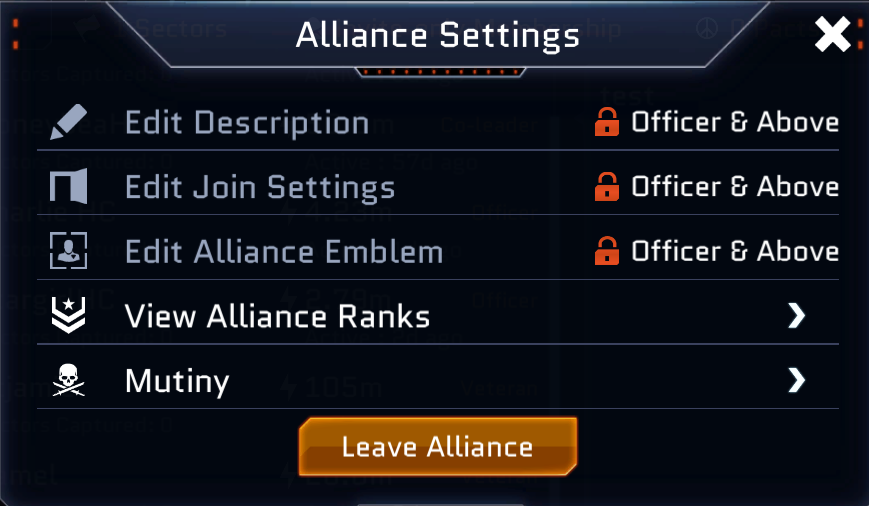
Alternatively, if you are already in an alliance and would like to leave, you can do so by simply clicking the orange 'cogwheel' icon to open your alliance settings. At the bottom of this menu should be a 'Leave Alliance' button - this will prompt you to confirm if you are sure about this action before subsequently removing you from your alliance:
If you require any further assistance with this, please contact our support team here and we would be glad to help you out!