Le alleanze sono "squadre" virtuali che permettono di unire le forze con altri giocatori per ottenere vantaggi reciproci, come ad esempio ottenere e rivendicare depositi , conquistare territori e collaborare per inviare marce estremamente potenti .
In Godzilla x Kong: Titan Chasers esistono diversi modi per unirsi a un'alleanza.
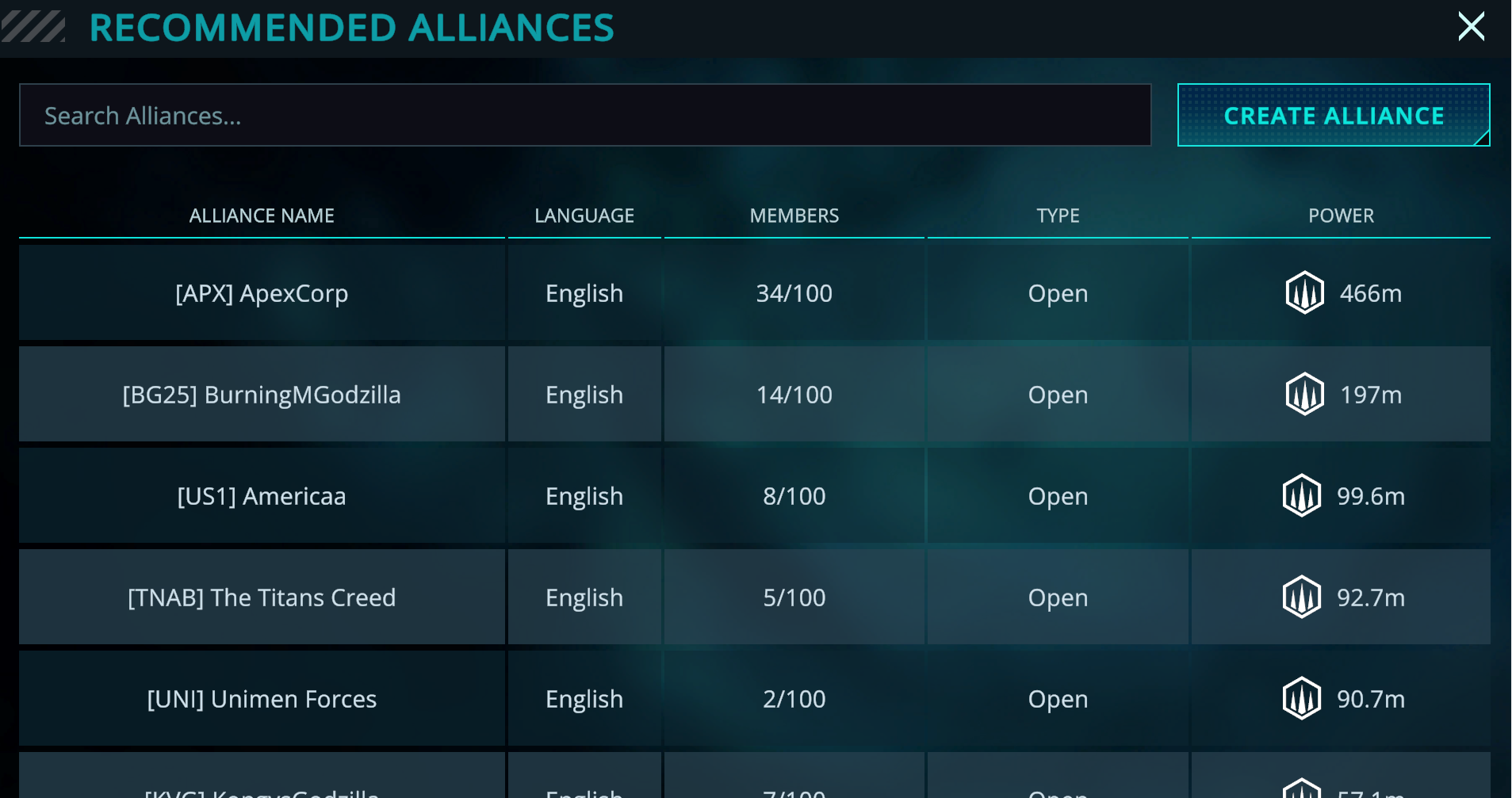
1. Facendo clic sulla scheda "Alleanze" in fondo allo schermo, quindi unendosi a una delle alleanze presenti nella sezione "Alleanze consigliate":
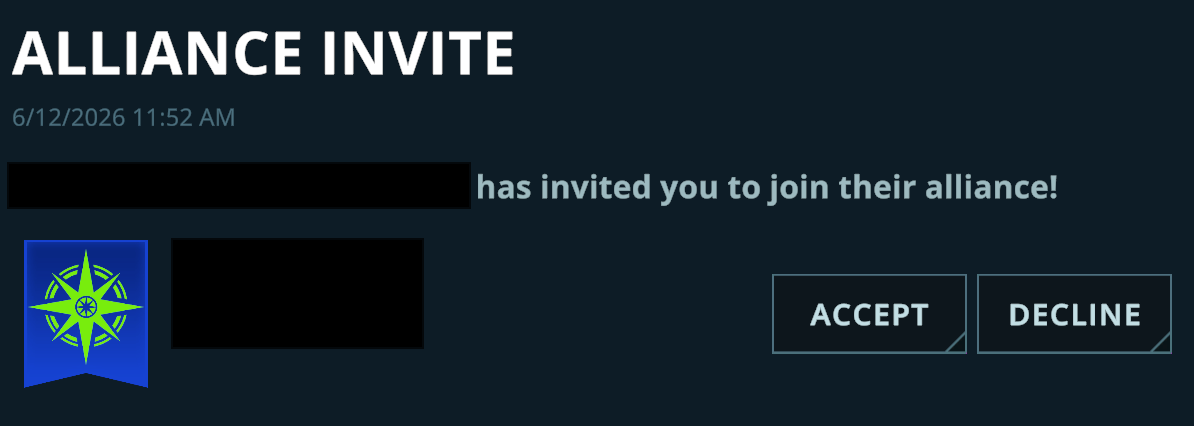
2. Ricevendo un invito a un'alleanza riservata. Riceverai una notifica in merito nella scheda "Report" del menu della posta in arrivo.
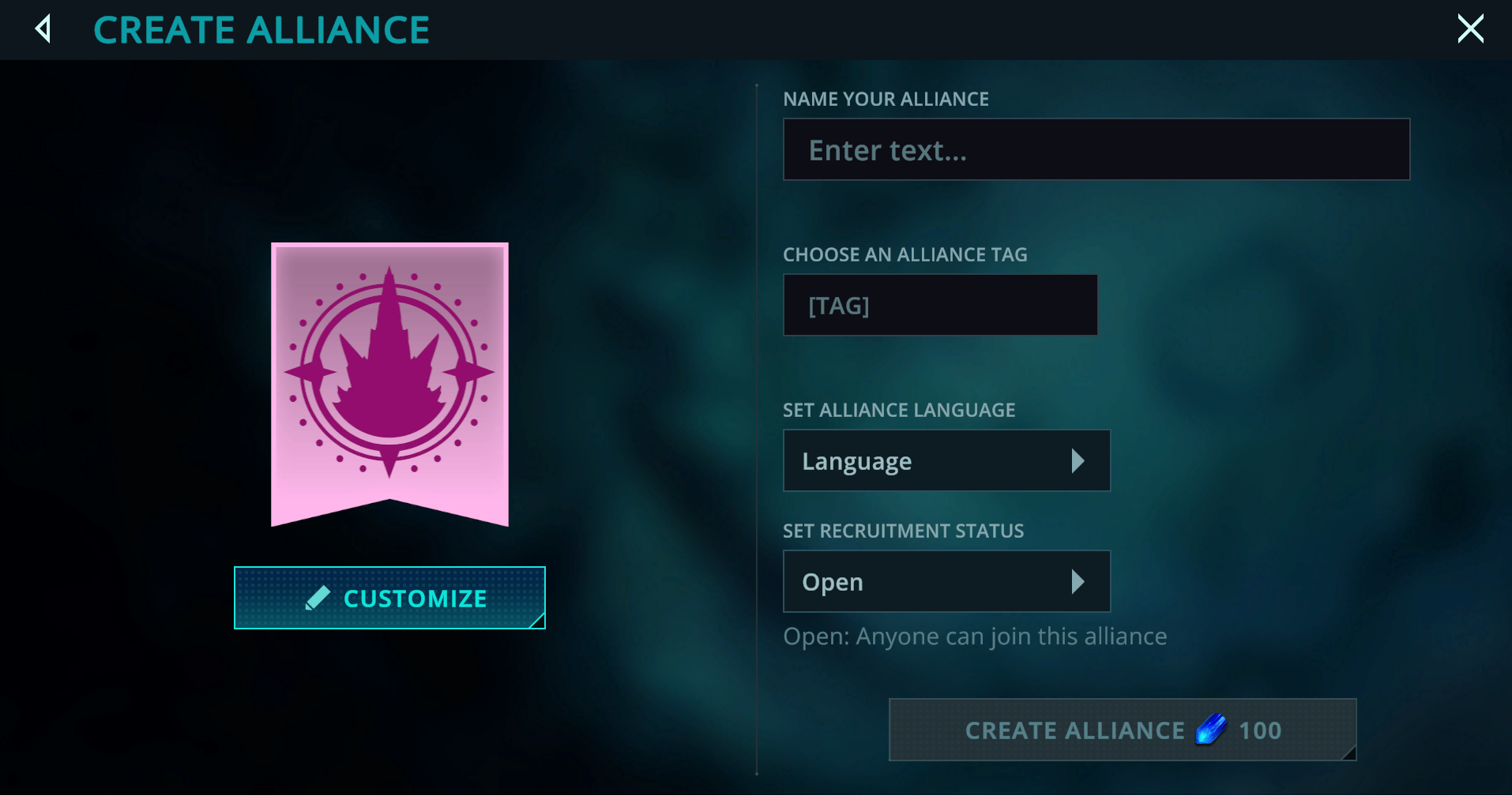
3. Creando la tua alleanza, operazione che puoi eseguire cliccando sul menu "Alleanze" e accedendo al menu "Crea alleanza". Da qui, potrai personalizzare il nome, il tag, la lingua, il tipo di appartenenza e l'emblema della tua alleanza. Tieni presente che la creazione di una nuova alleanza ha un costo di 100 Cristalli della Terra Cava .
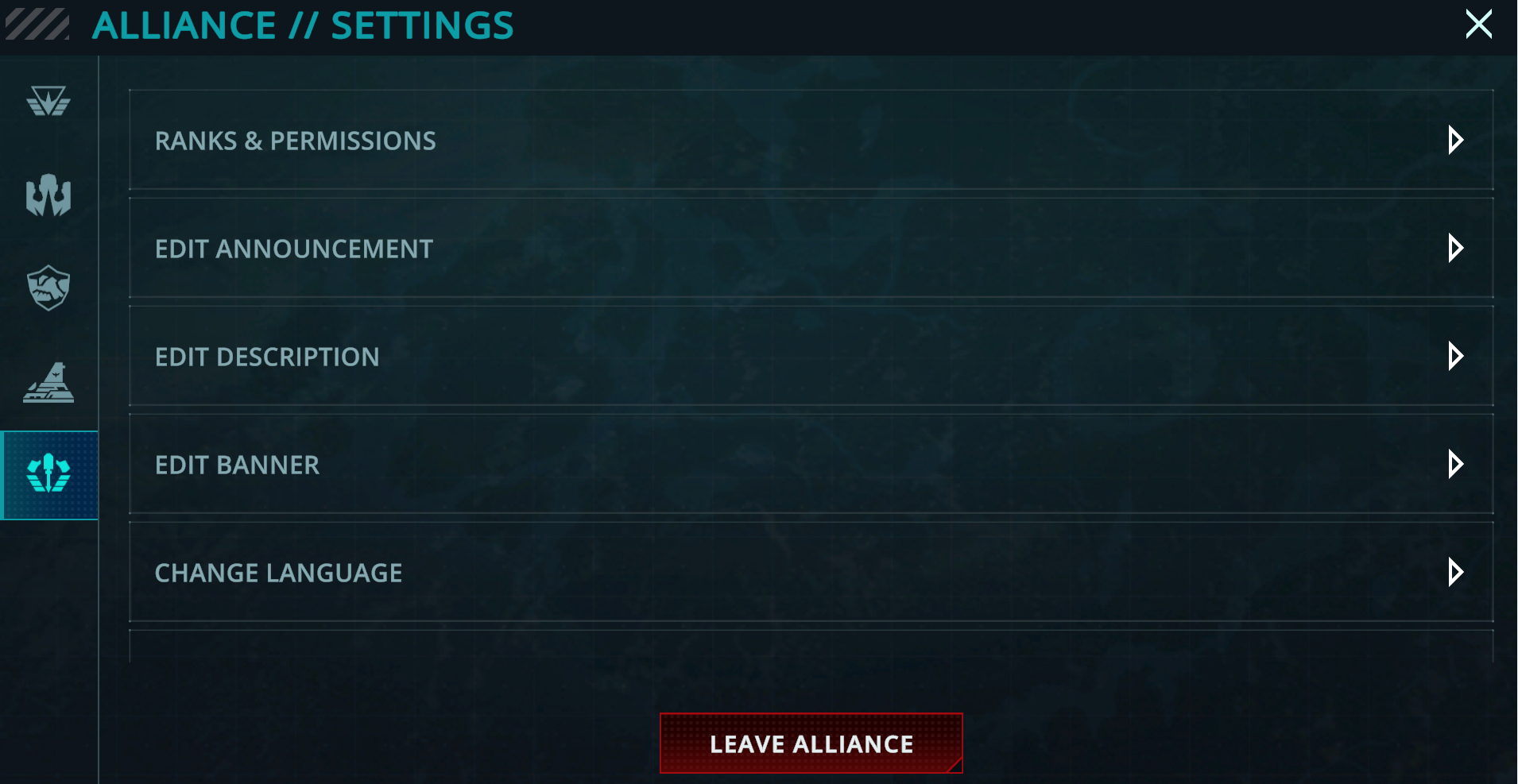
In alternativa, se fai già parte di un'alleanza e desideri uscirne, puoi farlo semplicemente cliccando sull'icona arancione a forma di ingranaggio per aprire le impostazioni dell'alleanza. In fondo a questo menu dovresti trovare il pulsante "Abbandona alleanza": cliccandoci sopra ti verrà chiesto di confermare l'azione prima di rimuoverti definitivamente dall'alleanza.
Se hai bisogno di ulteriore assistenza, contatta il nostro team di supporto qui e saremo lieti di aiutarti!